TEA - Daily Routines
TEA is a routine-first productivity app exploring how daily planning, energy awareness, and habit-building can come together in a calm, human-centered experience. This project focuses on reimagining how routines are designed, tracked, and felt throughout the day.
Client:
Digitamaized
Date:
December 4, 2025
Type:
Mobile App
Role:
UI/UX Designer

Overview
TEA is a routine-driven productivity and wellness app designed to help users structure their day, manage energy levels, and build consistency through gentle habit systems.
Instead of pushing rigid task completion, the product focuses on creating a supportive, calm experience that blends task management with emotional and energy awareness.
The goal was to design a system that helps users stay productive without feeling overwhelmed or guilty.
My Role
UX/UI Designer
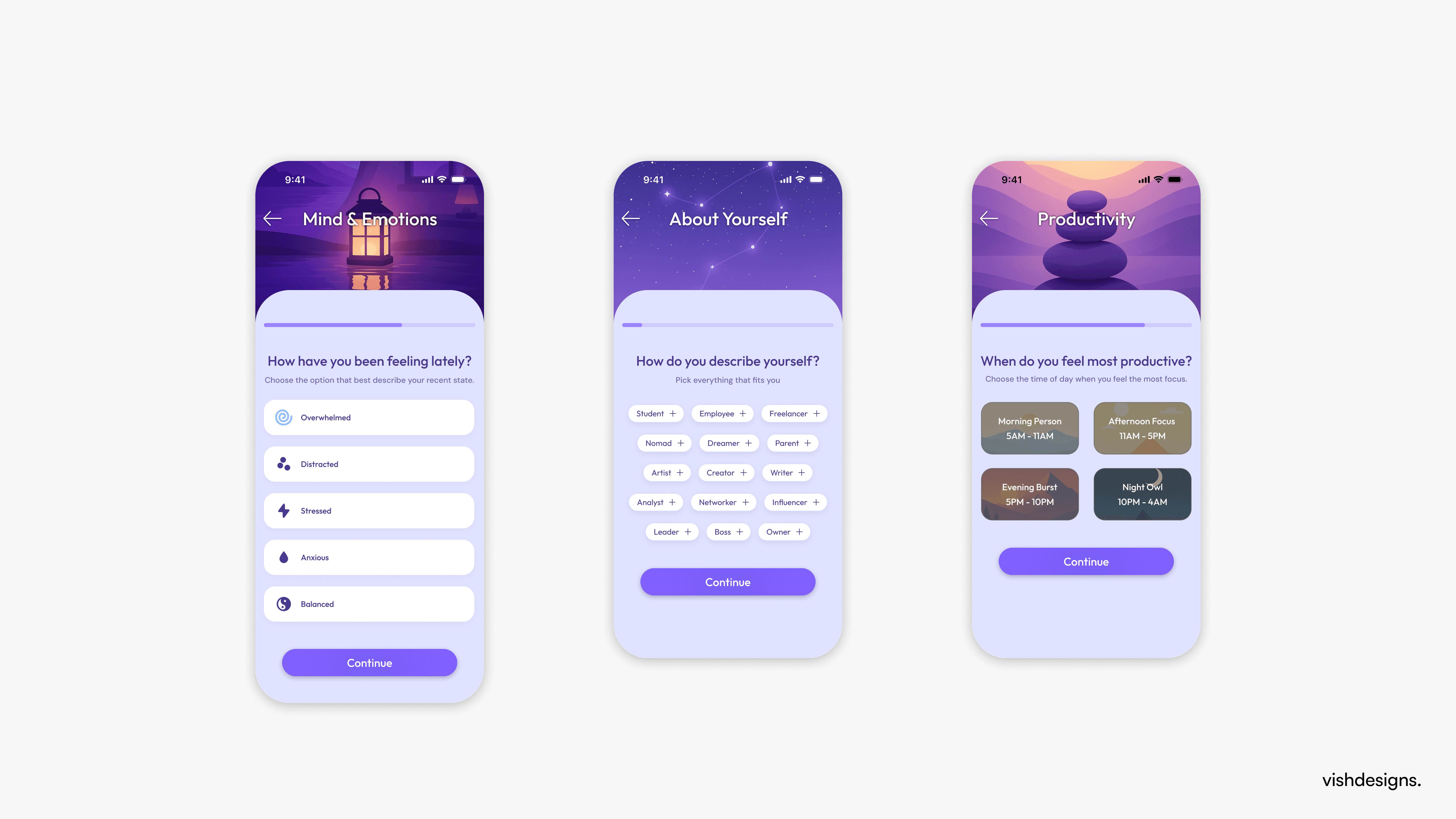
Onboarding Flow with Key Screens
Information architecture
Interaction and user flow design
Visual system and component design
High-fidelity UI and interactive prototype
Project Stage: Design phase completed
(Some elements were later implemented and evolved during development.)
Problem
Most productivity apps emphasize:
Task overload
Rigid checklists
Output-driven success
This often leads to burnout rather than long-term consistency.
Users struggle not because they lack discipline, but because their tools don’t adapt to how they actually feel throughout the day.
Design Challenge
The challenge was to design an experience that:
Encourages daily routines, not just task completion
Adapts to the user’s energy and emotional state
Feels calm, motivating, and human rather than demanding
Design Goals
Make routines the core structure of the day
Allow users to track energy, not just output
Reduce friction in daily planning
Keep the UI emotionally warm and non-judgmental
Balance structure with flexibility
Information Architecture
The app is structured around time-based mental models:
Morning
Afternoon
Evening
Night
Instead of placing everything into a single task list, tasks and routines live within these time blocks, helping users mentally map their day and reduce cognitive load.
Key sections include:
Onboarding and setup
Today dashboard
Wake and Sleep routines
Energy tracking
Task creation and scheduling
Routine management
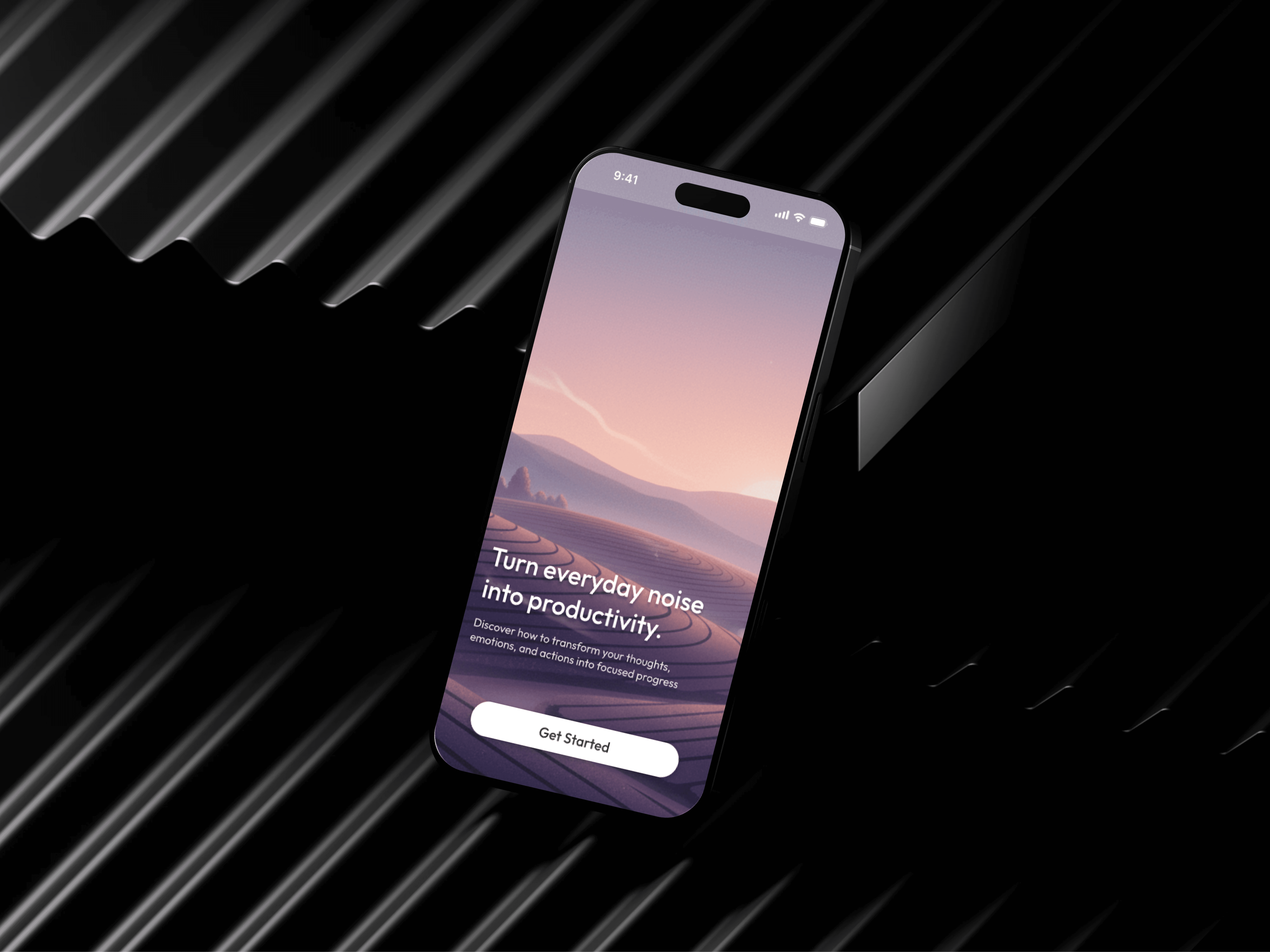
Onboarding Experience
The onboarding flow introduces users to:
The app’s purpose
Personalization options
Habit and routine preferences
Rather than overwhelming users with settings upfront, the experience gradually introduces:
Energy awareness
Routine-building
Daily structure
This approach keeps first-time users engaged while minimizing friction.
Home / Today Dashboard
The Today screen acts as the central hub of the experience.
Key elements:
Personalized daily greeting
Energy level slider
Time-based task sections
Routine previews
Clear calls-to-action for adding tasks
Design decisions:
Tasks are grouped by time of day to reduce cognitive load
Routines are displayed as expandable summaries
Visual hierarchy prioritizes what matters right now
Energy Level System
Instead of numeric tracking, TEA uses a qualitative energy slider.
Energy states:
Exhausted
Tired
Balanced
Energetic
Why this matters:
Users often don’t understand why they feel unproductive
Energy awareness encourages self-compassion
The interface adapts based on how the user feels
This shifts productivity from pressure-driven to awareness-driven.
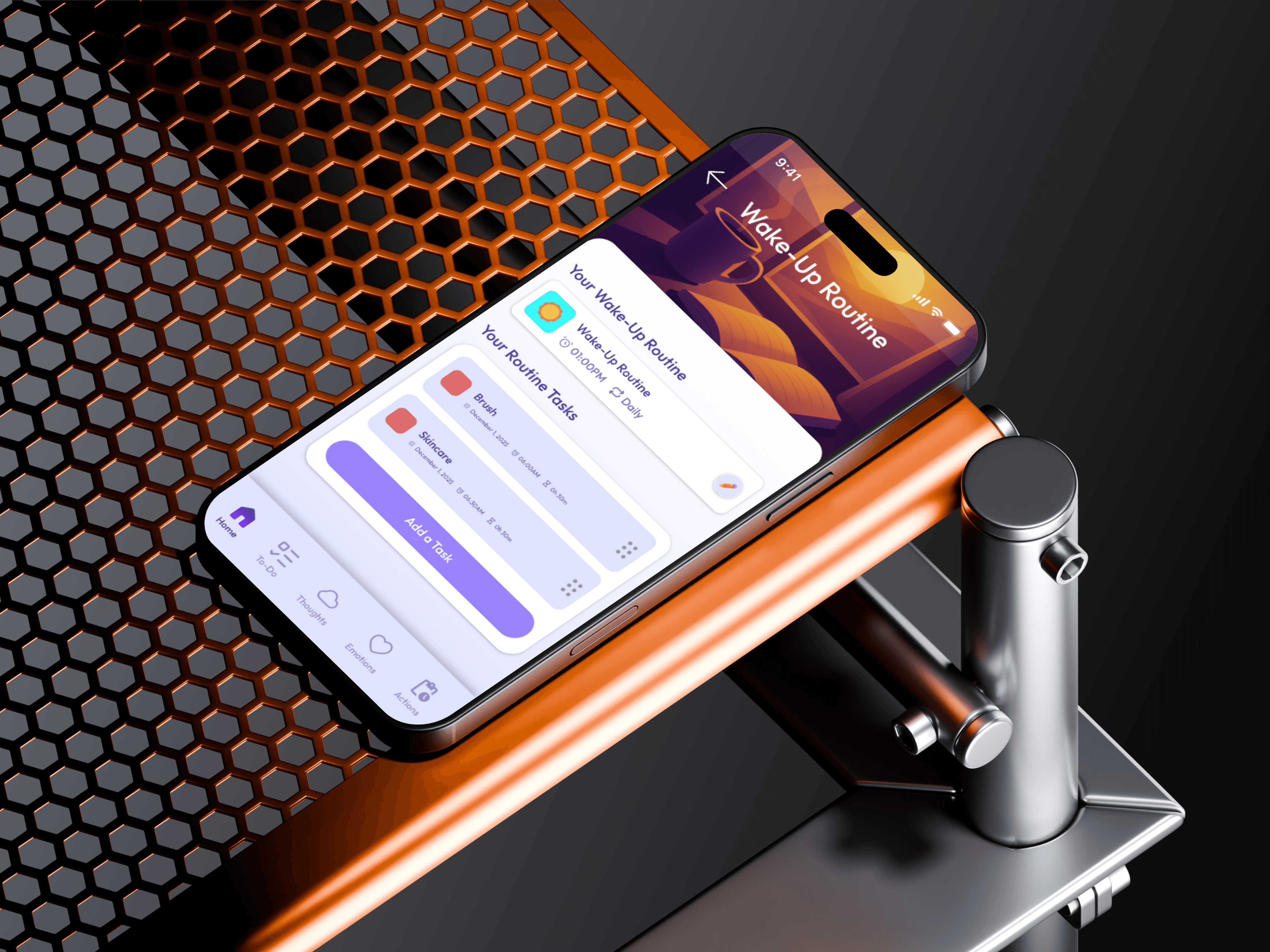
Routine Design (Core Feature)
Routines are treated as first-class features, not secondary task groups.
Primary routines:
Wake Routine
Sleep Routine
Design approach:
Dedicated screens for each routine
Clear progress feedback
Encouraging empty states
Simple, focused task management within routines
Why separate Wake and Sleep routines?
They emotionally frame the start and end of the day
They create consistent behavioral anchors
They reduce decision fatigue
Custom routines can be managed separately without cluttering the Today view.
Visual Design System
The visual language was designed to feel:
Calm
Friendly
Premium without being corporate
Key visual choices:
Soft gradients for headers
Rounded cards and containers
Minimal, friendly iconography
Warm illustration style
Generous spacing for readability
Color usage:
Purples for focus and consistency
Warm tones for routines
Neutral backgrounds for clarity
Interaction Design
Subtle motion and feedback were used to:
Reinforce progress
Make interactions feel responsive
Reduce friction throughout the experience
Examples include:
Expand and collapse routine interactions
Task completion feedback
Energy slider transitions
Bottom navigation animations
These interactions are best experienced through the prototype.
Outcome
Complete onboarding with key
screens UX/UI design delivered
High-fidelity screens across all core flows
Clickable prototype created to demonstrate interactions
The design system provided a strong foundation for development while allowing flexibility for iteration.
Reflection
This project reinforced the importance of:
Designing for emotional states, not just productivity
Clear hierarchy in complex task systems
Treating routines as behavioral anchors
Building systems that feel human rather than mechanical
Disclaimer
This case study represents design work completed during the design phase. Final implementation may differ from the original designs.